Email Marketing Automation: A Beginner’s Guide
Email marketing remains one of the highest-ROI channels in digital marketing, and automation is what transforms it from a manual chore into a scalable growth engine. For newcomers, however, the terminology, tooling, and strategy can feel overwhelming. This guide breaks down the fundamentals of email marketing automation so you can build your first automated workflows with confidence.
What Is Email Marketing Automation?
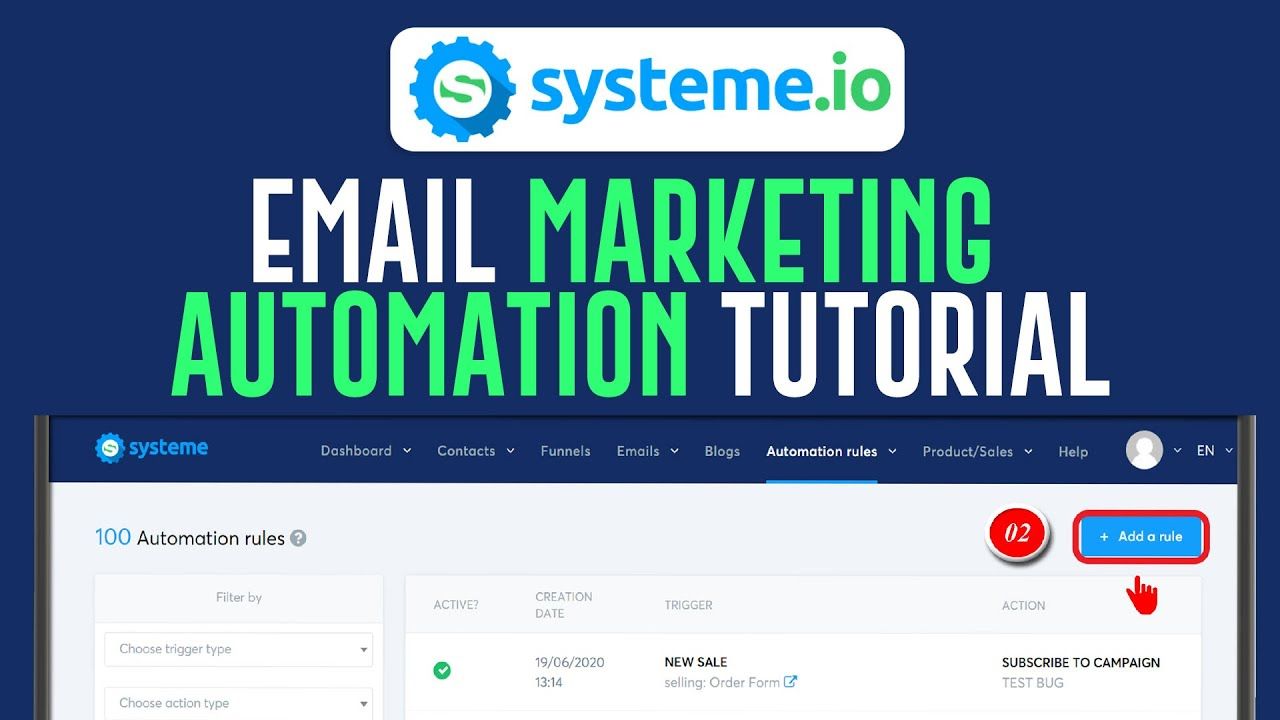
Email marketing automation is the use of software to send targeted emails automatically based on triggers, schedules, or customer behavior. Rather than manually composing and sending every message, you define rules once and let the system deliver the right email to the right person at the right time.
Common examples include a welcome email that fires the moment someone subscribes, a cart abandonment sequence that nudges shoppers who left items behind, or a re-engagement campaign that activates when a contact has been inactive for 90 days.
Automation vs. Broadcast Emails
Broadcast emails are one-to-many messages sent at a specific moment, such as a newsletter or product announcement. Automated emails are behavior-driven and ongoing. Both have a place in a healthy strategy, but automation excels at delivering timely, personalized communication at scale.
Why Automation Matters for Growing Businesses
Automation delivers value across several dimensions:
- Consistency: Every subscriber receives the same polished experience, regardless of when they sign up.
- Efficiency: Teams reclaim hours previously spent on manual sends and list management.
- Personalization: Messages adapt to individual behavior, increasing relevance and engagement.
- Revenue growth: Timely, targeted emails consistently outperform one-size-fits-all blasts.
- Scalability: Workflows handle thousands of contacts without additional headcount.
The Core Components of an Automation Stack
Before building workflows, understand the building blocks that make automation possible.
1. Your Email Service Provider (ESP)
The ESP is the platform that sends your emails and manages your contact database. Look for features such as drag-and-drop editors, segmentation, A/B testing, workflow builders, and deliverability tools. Popular options range from beginner-friendly platforms to enterprise-grade suites.
2. Contact Segmentation
Segmentation divides your audience into groups based on shared characteristics—demographics, purchase history, engagement level, or lifecycle stage. Effective automation depends on precise segmentation, because triggers and content should map to specific audience segments.
3. Triggers and Conditions
Triggers are the events that start a workflow, such as a form submission, a link click, or a purchase. Conditions act as filters within the workflow, determining which path a contact follows. Together, they create branching, personalized journeys.
4. Workflow Logic
Workflows sequence emails with delays, decision points, and exit criteria. A well-designed workflow feels like a conversation, not a barrage. Always define when a contact should exit—for example, after making a purchase or unsubscribing.
Five Beginner-Friendly Automations to Build First
A Simple Workflow Example
The table below illustrates a basic welcome series structure you can replicate in most ESPs.
| Welcome email | Immediately after signup | Confirm subscription and set expectations | Unsubscribe |
| Brand story email | Day 2 | Build trust and connection | Unsubscribe |
| Value email | Day 4 | Deliver useful content or a lead magnet | Unsubscribe |
| Offer email | Day 7 | Drive first conversion | Purchase or unsubscribe |
Best Practices to Avoid Common Pitfalls
- Start small: Launch one or two workflows, measure results, then expand.
- Prioritize deliverability: Authenticate your domain, maintain clean lists, and honor unsubscribe requests promptly.
- Test everything: A/B test subject lines, send times, and calls to action before scaling.
- Write for humans: Keep copy clear, concise, and focused on the recipient’s needs.
- Respect frequency: Cap the number of automated emails a contact receives within a given period.
- Monitor key metrics: Track open rates, click-through rates, conversions, and unsubscribes to refine your approach.
- Comply with regulations: Follow GDPR, CAN-SPAM, and other applicable laws governing consent and data privacy.
Getting Started: Your First 30 Days
Begin by auditing your current email list and identifying your highest-value customer actions. Choose an ESP that matches your budget and technical comfort level. Then build a single welcome series, connect it to your signup form, and monitor performance for two weeks before adding a second workflow. Consistency and iteration matter more than complexity. The businesses that succeed with automation treat it as an ongoing optimization practice, not a one-time setup.
Email marketing automation rewards preparation. Define your goals, understand your audience, and let the technology handle delivery while you focus on crafting messages that genuinely serve your subscribers.